 COME
COMEWrite a clear COME help note
A short help note is most useful when it gives the task, exact symptom and relevant context. Leave out secrets and unsupported diagnoses.
Use a simple sequence
State what you were trying to do, what you selected and what appeared. For example, distinguish “the browser transfer failed” from “the app opened but sign-in failed”. The sequence helps the reader locate the problem.
Add only relevant facts
Include the device, Android version, approximate time and error wording when they matter. Say whether a connection or storage check changed the outcome. Avoid adding unrelated account history or a long list of speculative causes.
Keep the request actionable
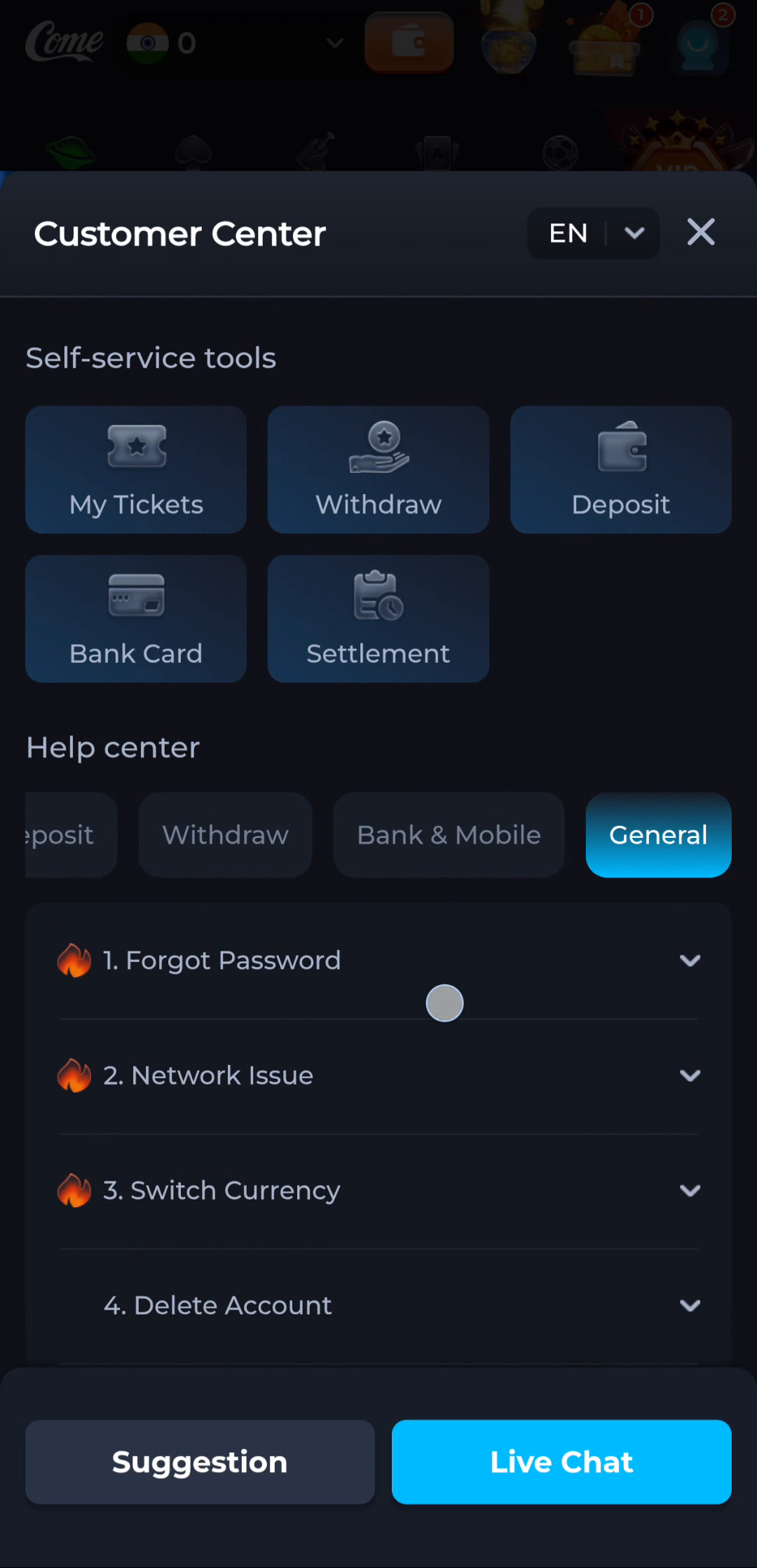
Ask about the specific next step or unresolved condition. A General help topic may answer a common question; an account issue may need the service's current support route. Neither requires sharing a password or OTP.
A useful next step
Use the relevant help category or displayed contact route with the concise note.